AI for dental care: how automation lightens the load on a dental clinic
AI for dental care helps clinics automate recalls, cancellations and rebookings, no-show reminders and phone relief, as well as summarising records and preparing insurance documentation. The systems are built on top of your existing tools such as Opus Dental, handle patient data within the EU and require a data processing agreement under GDPR.
Quick overview
In short: AI for dental care automates recalls and recall management, cancellations and rebookings, no-show reminders via SMS and email as well as phone relief, and produces drafts of record summaries and insurance and Försäkringskassan (Swedish Social Insurance Agency) documentation.
How to get started:
- Map where most time is spent in reception and choose a single workflow, often recalls or no-show reminders.
- Connect the workflow to the records and booking system you already have, such as Opus Dental, Frenda or Cliniview.
- Sign a data processing agreement, keep data within the EU and let staff review sensitive documentation before it is used.
Impact: Reception and dentists free up time for patients, with patient confidentiality and GDPR compliance preserved.
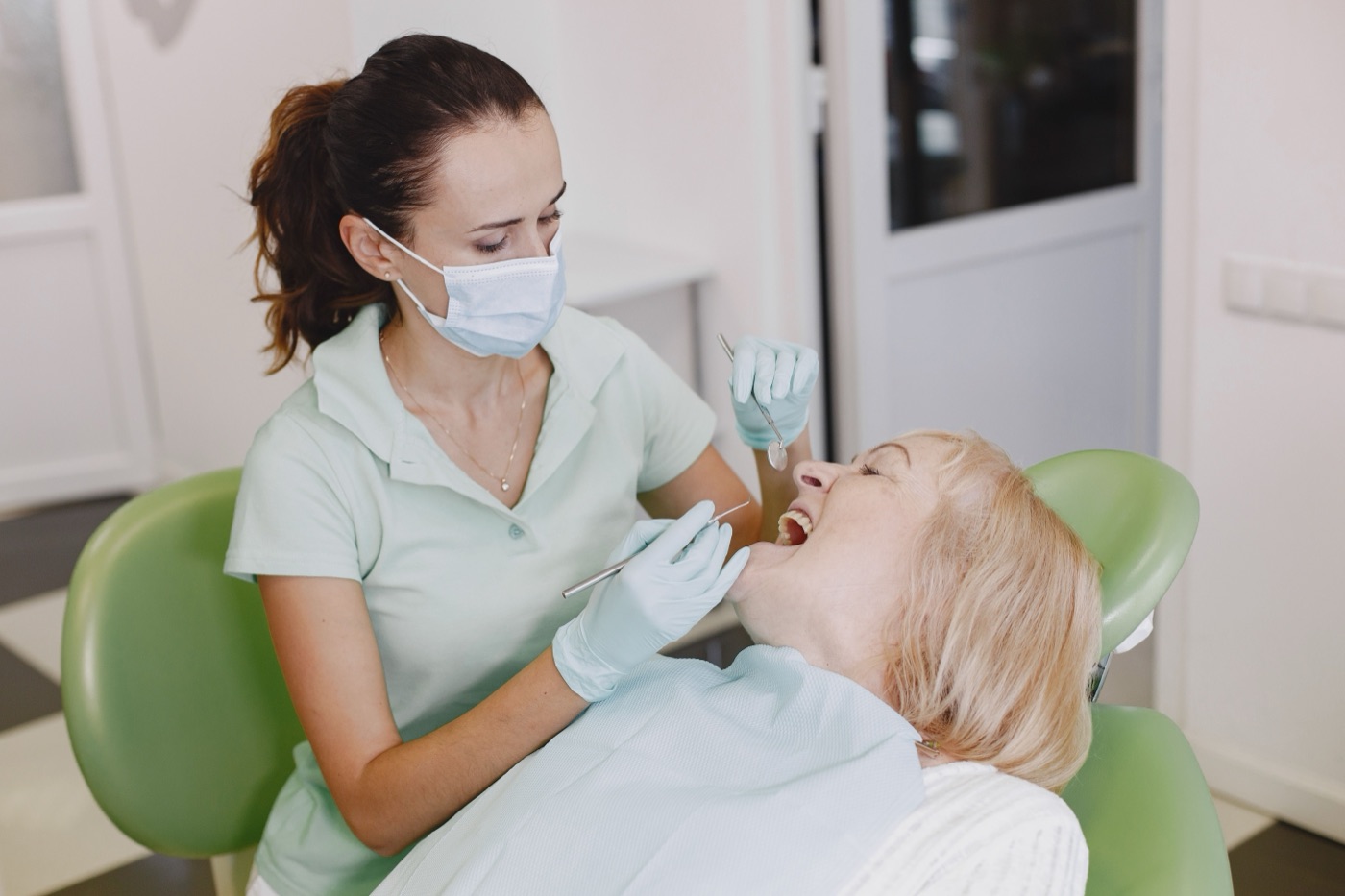
What can AI do at a dental clinic?
At a clinic, a lot of time goes to administration around the patient flow rather than to the treatment itself. AI and automation can take over recurring tasks: sending recalls, reminding people of appointments, handling cancellations and rebookings, answering common questions by phone and chat, and compiling documentation. The point is not to replace staff but to move routine tasks away so that reception and dentists can spend the time on patients.
The solutions are built on top of the systems the clinic already uses, for example Opus Dental for records and booking or Cliniview for image handling. The first step is kept small and concrete, often a single workflow such as recalls or no-show reminders, before more parts are automated.
Typical areas to start with
- Automatic recalls for check-ups and hygienist visits
- Reminders via SMS and email to reduce missed visits
- Simple cancellation and rebooking without a phone call
- Phone relief and a digital reception for common questions
- Summaries and documentation as support for staff
How do you automate recalls?
Recalls are one of the clearest gains. Instead of manual lists and mailings, an automatic workflow can detect when a patient is due for a check-up or dental hygiene and send an invitation with a self-booking link. If the patient does not respond, a reminder is sent after a set time, and non-responses can be flagged for manual follow-up.
The workflow is connected to the booking in the system you already have, so that available times and already booked patients stay in sync. This way the calendar is filled up without reception having to phone through the recall list by hand.
- Identify patients who are due based on intervals in the records system
- Send an invitation with a self-booking link via SMS or email
- Automatic reminder when there is no response
- Flag hard-to-book patients for personal contact
How does AI reduce cancellations, rebookings and no-shows?
Missed visits cost both time and revenue. Automatic reminders via SMS and email before the visit lower the number of no-shows, and a clear link for cancellation or rebooking means a slot that opens up anyway can quickly be filled by someone on the waiting list. When a patient cancels, the system can automatically offer the time to the next suitable patient.
| Task | Manual handling | With automation |
|---|---|---|
| Recall mailings | Lists gone through by hand | Sent automatically at the right interval |
| Reminder | Called or forgotten | SMS/email on schedule |
| Cancellation | Phone call during opening hours | Link around the clock |
| Rebooking a slot | Manual phoning | Offered to the next patient automatically |
How does AI relieve the phone and reception?
The phone is often the biggest bottleneck in reception. A digital reception can answer common questions around the clock: opening hours, prices for standard treatments, how to rebook, where to turn in case of acute pain and how to prepare for a visit. Simpler cases are handled directly, while anything that requires a human is passed on with the right information already collected.
This means fewer calls in the queue, shorter waiting times and a reception that can focus on the patients in the room instead of being interrupted by calls about the same recurring questions.
Can AI summarise records and treatments?
AI can be used as support for summarising notes and treatments, for example a brief overview ahead of a follow-up visit or a draft of patient information after a treatment. It is always support that staff review and approve, not documentation that is sent or added to records without a check.
Such support works against the content in records systems such as Opus Dental or Frenda and can also help structure follow-ups and checks, so that nothing falls through the cracks after a larger procedure.
Examples of support
- A brief summary ahead of a follow-up visit
- A draft of patient information after treatment
- Structured follow-up and post-treatment checks
- A reminder of the next step in a treatment plan
How does AI help with insurance and Försäkringskassan documentation?
Administration around reimbursements takes time. AI can help produce and structure documentation for insurance cases and for Försäkringskassan (the Swedish Social Insurance Agency), by collecting relevant information from the records and placing it into a draft that staff check. This reduces duplicated work and the risk that information is missing when the case is submitted.
Just as with records support, this is an aid: a human is responsible for the documentation being correct and complete before it is passed on.
How is patient data and GDPR handled?
Patient data is sensitive personal data and requires care. Automation that involves patient data should be based on a data processing agreement between the clinic and the supplier, and data should be kept within the EU and Sweden. Access is restricted to what is genuinely needed for each workflow.
- Data processing agreement: governs how data may be processed
- Data within the EU/Sweden: no transfer to countries outside the EU
- Data minimisation: only the information the workflow requires
- Human review: sensitive mailings and documentation are approved manually
This way the clinic can benefit from automation without compromising on patient confidentiality or regulatory compliance.
How does the clinic get started?
Nuvid AI builds the automation on top of the systems you already use and runs it afterwards. The first step is kept small and concrete, often a single workflow such as recalls or no-show reminders, that can be measured before more is added. This way the clinic sees the impact early without having to replace existing tools.
A sensible approach is to map where most time is spent today, choose a workflow, connect it to the records and booking system and then expand step by step as the value is confirmed.
Want to see what this looks like in practice? Explore our solutions, see cases and platforms we have built, or get three free suggestions.